
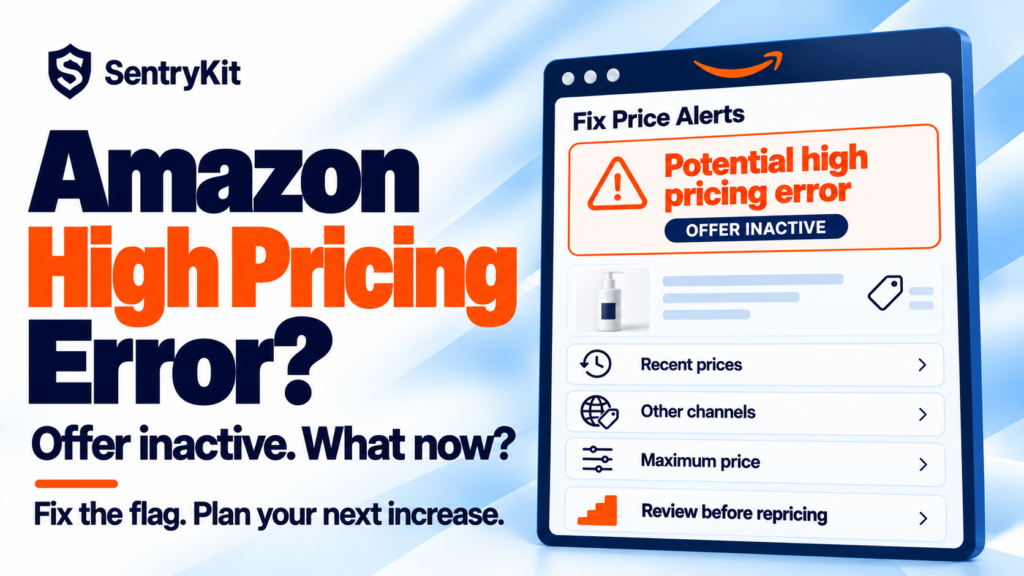
A “potential high pricing error” means Amazon thinks your price is too high compared with recent prices for that product, on or off Amazon, and has deactivated the offer under its Fair Pricing Policy. It’s hitting more sellers this month because holiday fees and postage went up, and sellers are trying to pass them on.
You can get the listing back and still raise your price. The order you do it in matters.
| Symptom | What Amazon is comparing | First fix |
|---|---|---|
| Listing inactive: “potential high pricing error” | Your price vs recent prices on and off Amazon | Fix Price Alerts page in Seller Central |
| Flag appeared when you were the only seller left | Your price vs the other seller’s recent price | Raise in steps; open a case with your invoice |
| Flag after raising price for Q4 fees | Your new price vs your own recent price | Raise off-Amazon first, then on Amazon in steps |
Holiday peak fulfillment fees started October 15 (here’s what changed that week), and shipping costs keep climbing. The obvious move is to raise prices. Amazon’s pricing check reads that as a pricing error.
The frustration is loud. A Seller Forums thread titled “Get Rid Of Amazon Price Fixing, Aka High Pricing Error” picked up 30 replies in five days. One seller reported 60 pricing errors and 279 detail page removals heading into the holidays (Amazon Seller Forums).
Amazon’s deactivation notice says listings that don’t meet its Marketplace Fair Pricing Policy “will remain inactive” (Amazon Seller Forums). Its Pricing Health guidance says offers priced significantly higher than recent prices, on or off Amazon, can lose eligibility (Amazon). Amazon doesn’t publish the exact threshold.
In practice sellers see three triggers:
There’s also a second, quieter reference: Amazon’s competitive price. Amazon’s developer documentation calls it the competitive price threshold, says it’s based on prices from other retailers, not other Amazon sellers, and says your offer might be ineligible for the Featured Offer if your price plus shipping is above it (Amazon). Going above it doesn’t deactivate the offer, but it’s the earliest sign that Amazon sees your price as high, and it moves without you touching anything. In one alert we sent this week, Amazon’s competitive price on a skin cream 6-pack dropped from $8.82 to $7.99 while the seller’s $8.44 price stayed the same, and another seller held the Buy Box.
This is different from losing the Featured Offer. There, your offer stays live but shoppers see “See All Buying Options” (why that happens in Q4). A pricing error deactivates the offer completely.
Or let SentryKit watch it. The Competitive Price alert emails you when your price plus shipping goes above Amazon’s competitive price, with the old and new competitive price, your gap in dollars and percent, and who holds the Buy Box. You get a second email when you’re back within it. 14-day free trial, no credit card needed.
Don’t overcorrect. Cut too far and you can trip a low pricing error instead.
Or skip checking Fix Price Alerts by hand. SentryKit’s Search Suppression Alert emails you as soon as Amazon flags a price as an error and pulls the offer, with Amazon’s own message and what to fix. 14-day free trial, no credit card needed.
Say you sell at $24.99 and peak fees plus postage add $1.40 a unit. You want $26.99. I’d move the off-Amazon price to $26.99 first, take Amazon to $25.99 the same day, wait a week, then go to $26.99. That’s two increases of about 4% each instead of one of 8%.
The arithmetic matters less than the order. Amazon compares you with yourself and with the rest of the internet. Change the reference before you change the price.
The catch is that a deactivated offer doesn’t look urgent until the sales report drops. SentryKit’s Search Suppression Alert tells you the moment Amazon flags a price as an error, with Amazon’s own message and what to do, by email, Slack, Teams, ClickUp, webhook or API. The Competitive Price alert warns you when your price plus shipping moves above Amazon’s competitive price, with the gap in dollars and percent, and again when you’re back within it, and the FBA Fee Change Alert shows the old and new fee per ASIN, so you know which prices actually need to move. Plans start at $19/month with a 14-day free trial. See pricing.
If your items are under $15, also read the sub-$15 surcharge breakdown before you reprice.
Amazon will let you raise prices. It just wants to see the rest of the market move first.
Know the day a price gets flagged
SentryKit watches 50+ signals on your ASINs, from pricing errors to fee changes to the Buy Box, and alerts you with the before and after. Plans from $19/mo.
Start 14-day free trialRelated alerts
It means Amazon thinks your price is too high compared with recent prices for that product on or off Amazon, and has made the offer inactive under its Marketplace Fair Pricing Policy until you fix it.
Open Fix Price Alerts under Pricing in Seller Central and update the price, check that it sits below any maximum price you set, and open a case with supplier invoices if you believe the price is fair.
The reference moved. A cheaper price appeared elsewhere, or another seller on the listing went out of stock and your price became the one being judged.
Amazon doesn’t publish a threshold. Raising prices on your other channels first and moving in steps of a few percent, a week apart, is less likely to be flagged than one large jump.
No. Losing the Buy Box or the Featured Offer leaves your offer live. A pricing error makes the offer inactive, so nobody can buy it from you until it’s fixed.
It’s the competitive price Amazon keeps for each ASIN, based on prices from other retailers rather than other Amazon sellers. If your price plus shipping is above it, your offer can lose Featured Offer (Buy Box) eligibility, even before any pricing error.

Raghav Tiwari · Founder, SentryKit
Raghav is the founder of SentryKit. He spent years running his own Amazon storefronts before building it, and writes about Buy Box strategy, competitive intelligence, and the platform shifts sellers can’t afford to miss.