
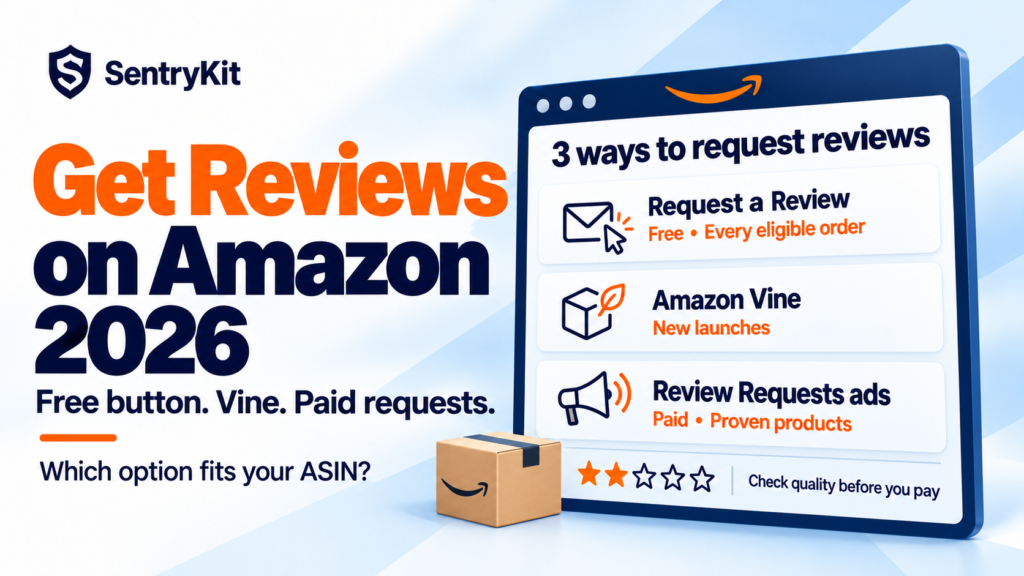
If you’re working out how to get reviews on Amazon in 2026, there are three legitimate ways: the free Request a Review button, Amazon Vine, and the new paid Review Requests ads that open to US sellers in late October. Everything else, from discounts for reviews to asking only your happy buyers, breaks Amazon’s rules.
Which one to use depends on the ASIN. Use the free button on every eligible order. Use Vine on a new listing with fewer than 30 reviews. Pay for Review Requests only on a product you already know buyers like, because Amazon describes no way to leave unhappy buyers out of the campaign.
| Method | Cost | Who qualifies | Limit | Best for |
|---|---|---|---|---|
| Request a Review | Free | Any order, 5 to 30 days after delivery | Once per order | Every ASIN, every order |
| Amazon Vine | $0 / $75 / $200 per parent product, plus the units | FBA, fewer than 30 reviews, Brand Registry or generic | Up to 30 units | New launches |
| Review Requests ads | Ad spend (billing model not yet published) | Fewer than 1,000 ratings and reviews, ads account in good standing | Pauses at 1,000 | Proven products that need volume |
Start here, on every order. The Request a Review button sits on each order in Seller Central (Orders, Manage Orders, then the order). It works once per order, between 5 and 30 days after delivery, and sends Amazon’s own email asking the buyer for a product review and seller feedback.
The catch is volume: 40 orders a day is 1,200 clicks a month. Sellers who use it seriously automate it with a tool that keeps to the same window.
What you can’t do: offer anything in return, ask only buyers you think are happy, or ask for a positive review. Since the FTC’s 2024 rule on fake reviews, buying reviews is a legal problem as well as an Amazon one (FTC).
Every method here brings more ratings, and some of them will be 1 or 2 stars. SentryKit emails you each new rating on your ASINs, with the stars, the full text and a link to it in Seller Central.
Vine sends your product to Amazon’s invited reviewers, the Vine Voices, before you have any social proof. You can offer up to 30 units per parent product. The fee is charged per parent: $0 for up to 2 units, $75 for 3 to 10, and $200 for 11 to 30. Amazon only charges after the first Vine review is published, and charges nothing if none arrives within 90 days (Amazon).
Two catches: the units are your cost on top of the fee, and Vine Voices aren’t there to be kind. A fit or quality problem gets called out early, in public.
Once a product passes 30 reviews, Vine is closed to it. More in our Vine guide.
Amazon announced Review Requests on September 29. The open beta starts for US sellers in late October, and Amazon says other marketplaces will follow, without dates (Amazon Ads). It’s an ad that asks people who recently bought your product for a one-click star rating, with an optional written review, photo or video.
Billing isn’t confirmed. A LinkedIn post doing the rounds this week says you pay per click, not per review. Amazon hasn’t published that. Its page only mentions “the same bidding and budget controls.” We dug into the billing question in what sellers are actually buying with Review Requests.
Don’t judge any of these on reviews per week. Judge them on what each extra rating costs, compared with what the free button already brings in.
Say an ASIN sells 300 units a month and the free button gets you about 6 ratings a month. You run Review Requests at $300 a month and end up with 18. The ads didn’t buy 18 ratings. They bought 12, at $25 each.
Vine on the same ASIN: a $200 fee plus 30 units at, say, $8 landed cost is $440. That’s about $15 a review if all 30 get reviewed. Cheaper per review, but it only works once, and only under 30.
Neither number means much until you know what a rating is worth to that listing. Going from 12 ratings to 40 is a different business from going from 600 to 628. And since Amazon put most reviews behind a sign-in, the star average does more of the selling on its own (here is why).
Here’s the part most coverage skips. Amazon describes no way to leave out buyers who returned the item or complained. A paid campaign asks your recent buyers, happy or not. If a share of them don’t, you’re paying to collect their ratings faster.
I think of Review Requests as a loudspeaker. It makes whatever buyers already think louder. And the ASINs that most need reviews can least afford a bad week: at 15 ratings averaging 4.6, five 1-star ratings take a simple average to 3.7.
Run four checks first:
If any of those is red, fix it first. Then ask for reviews. If you’re already seeing a run of 1-stars, start with these five checks.
Whichever you use, ratings arrive faster, and a bad week shows up in your average before it shows up in your sales report. SentryKit’s Latest Review Alert emails you every new rating on your ASINs, with the stars, the full text and verified status. The Top Rated Reviews Alert tells you when Amazon starts featuring a different critical review on your listing. It doesn’t change your prices. It tells you which ASIN needs you. Plans start at $19/month with a 14-day free trial. See pricing, or see how it works for private label brands.
Reviews are a measurement of the product. You can now pay Amazon to take that measurement faster. Make sure you like what it’s going to say.
Know about every new rating the day it lands
SentryKit watches 50+ signals on your ASINs, from new reviews to price and listing changes, and emails you the before and after. Plans from $19/mo.
Start 14-day free trialRelated alerts
Yes, through Amazon’s own tools: the Request a Review button, Amazon Vine and Review Requests ads. You can’t offer anything in return, ask only satisfied buyers, or ask for a positive review.
Once, between 5 and 30 days after delivery. Amazon sends one email asking the buyer for both a product review and seller feedback.
Amazon hasn’t said. It says the campaigns use the same bidding and budget controls as other Amazon Ads campaigns. Check the billing terms in Ads Agent before you set a budget.
Vine is for products with fewer than 30 reviews. Once a product has 30 or more, it can’t be enrolled.
Yes. They reach recent buyers whether or not they were happy, and Amazon describes no way to exclude buyers who returned the item. A product with quality or listing problems will collect more low ratings, faster.

Raghav Tiwari · Founder, SentryKit
Raghav is the founder of SentryKit. He spent years running his own Amazon storefronts before building it, and writes about Buy Box strategy, competitive intelligence, and the platform shifts sellers can’t afford to miss.