
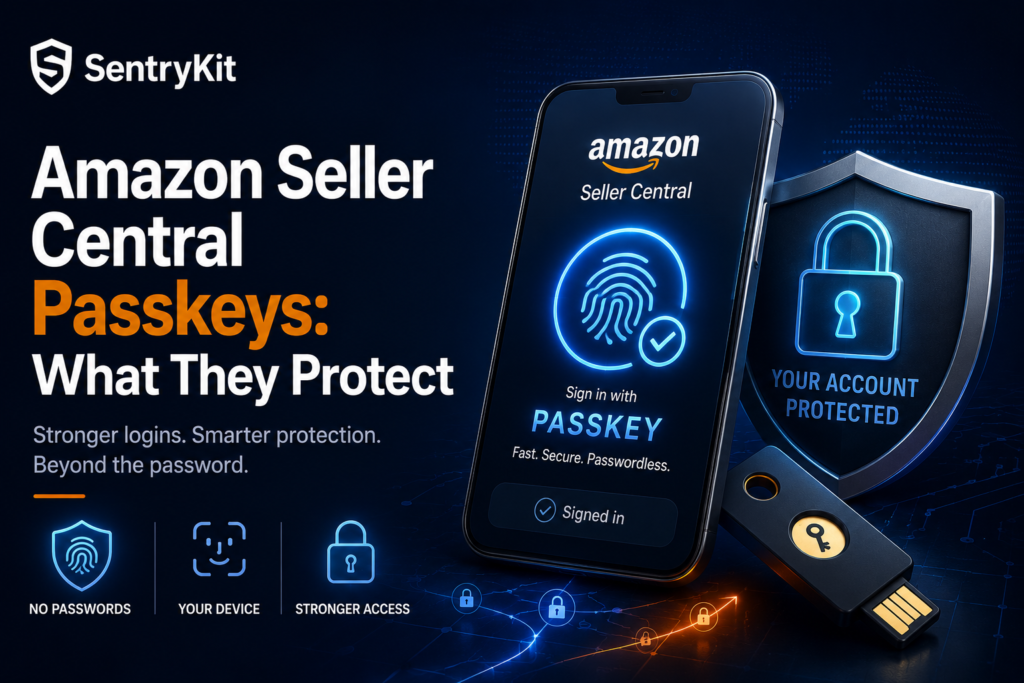
Starting in July 2026, Amazon is rolling out passkey support to every Seller Central account. Passkey login already existed for some sellers, in a more limited capacity. Now it’s going account-wide — a way to log in with a device-based credential instead of, or alongside, a password.
Amazon is framing this as a security upgrade. That framing holds up. This is a genuine fix to a genuine weak point — and it’s worth being precise about what it changes before you put your full confidence in it.
A passkey replaces or supplements your password with a cryptographic credential tied to your device — unlocked with a fingerprint, face scan, or a physical security key rather than something you type in. Here’s what that looks like in practice: instead of entering a password that could be phished, guessed, or pulled from a breached database somewhere else on the internet, you approve the login using your device itself. There’s no shared secret sitting in a password manager, an email, or a sticky note for an attacker to intercept.
That’s the core distinction. A password is something you know. It can be tricked out of you. A passkey is something you have, bound to a specific device, and it can’t be phished the same way — there’s simply nothing to hand over.
This isn’t a convenience upgrade dressed up as security. It removes an entire category of attack — phishing and credential reuse — that passwords are structurally unable to defend against.
Credential phishing is one of the most common ways Seller Central accounts get compromised. A convincing email, a fake login page, a reused password from an unrelated breach — any of these can hand an attacker your login before you notice anything’s wrong.
Agencies feel this most. Picture an agency managing five client accounts, with a different team member logging into each one from a different laptop, sometimes over café Wi-Fi between client meetings. That’s five passwords, five devices, and five chances for one weak link to become the way in. If one of those five people reused a password that turned up in an unrelated breach last month, would you know before Amazon — or a competitor — did?
Passkeys meaningfully raise the bar against exactly this attack path. If there’s no password to phish, a fake login page has nothing to capture. That’s a genuine security win, and it deserves credit as one — enable passkeys if credential phishing is how you’re most likely to lose control of the account.
That covers the what. Here’s the part passkeys don’t solve. A passkey protects one step: who gets past the login screen. Nothing more. It says nothing about what happens to your listings once someone — an authorized team member, an Amazon system, or an attacker who’s already inside — makes a change.
A few situations passkeys don’t touch:
Passkeys close the login door. They don’t watch what happens on the other side of it.
The fix depends on which problem you’re solving for. Account security — who can log in, and how that login is verified — is one job. Catalog and Buy Box visibility — what’s happening to your listings once you’re inside — is a separate one. Two different jobs. A seller needs both, and neither substitutes for the other.
That’s where SentryKit’s job starts. SentryKit is a Buy Box intelligence platform, not a login or authentication tool — once you’re logged in, a Buy Box Lost or Listing Suppressed alert fires the moment something changes on your catalog, no matter who or what triggered it. It has no role in your Seller Central login, your password, or your passkey setup. What it watches is the Buy Box, your listing content, and competitor activity around your ASINs — the layer passkeys were never built to cover.
Securing the login and watching the catalog are two different jobs. Passkeys handle the first. Make sure something is handling the second.
Once the two jobs are separated, the to-do list is short.
None of these three replace each other. A passkey guards the door. Nothing yet guards the shelves behind it.
Amazon’s rollout is described as passkey support that replaces or supplements password-based login, so you can generally expect it to work alongside your existing password rather than forcing an immediate switch. Check the enrollment flow in your own Seller Central account for the exact options available to you.
Yes. Passkeys secure the login step only. They don’t detect a competitor taking your Buy Box, a listing getting suppressed, or your content getting changed — those are catalog-level events that happen after login, regardless of how secure that login is.
No. SentryKit doesn’t touch account login, authentication, or credentials in any way — it’s a Buy Box intelligence platform, not a security tool. Its alerts start after you’re logged in, watching Buy Box status, listing content, and competitor activity on your catalog.
Yes — it’s a well-documented attack path. Phishing emails and fake login pages that capture a typed password are a common way seller accounts get compromised, which is exactly the weakness passkeys are designed to remove.
Buy Box Lost means a competitor is currently holding the Buy Box on your listing — your listing is still live, but a competitor’s offer is winning the box. Listing Suppressed means no Buy Box exists at all because Amazon removed it, which requires a different fix. The two situations are distinct and call for different responses.

Nisha Shetty · Marketing Manager, SentryKit
Nisha is a marketing manager and former Amazon seller who writes about e-commerce growth, consumer behavior, and digital retail trends.