
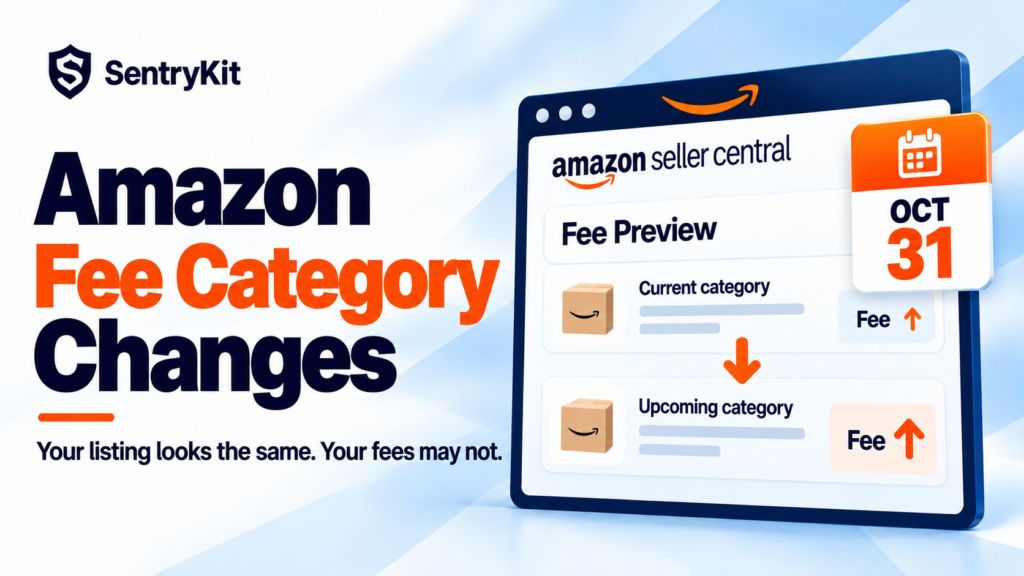
Amazon is notifying sellers that some ASINs move to a different fee category on October 31, 2026 (beBOLD Digital, Nova). Your listing won’t look any different. Your referral fee can.
Every ASIN has a fee category, and the fee category sets its referral fee percentage. Amazon assigns it from its own product classification, which may not match the category shoppers see on your listing. Amazon lists upcoming changes in the Fee Preview report. Open it before October 31, find the ASINs with a new category, and dispute any that are wrong.
| Question | Where to check |
|---|---|
| Is my ASIN’s fee category changing? | Fee Preview report: current vs upcoming fee category |
| What will it cost per unit? | Revenue Calculator at your current price |
| Was I already charged the wrong rate? | Transaction details in your Payments reports |
| Is the new category right? | Amazon’s fee category guidelines |
Checking once by hand is fine. Keeping up with it every month is harder. SentryKit’s FBA Fee Change alert checks your ASINs daily and emails you when Amazon changes a fee on one, referral or FBA. It shows the previous fee, the new fee and the change per unit.
Amazon is moving a set of ASINs into new fee categories and telling affected sellers directly. It hasn’t published a list. Referral fees move with the category, and reports on this round say closing fees, FBA fulfillment fees and returns processing fees can move too. FBM sellers aren’t exempt, because every order pays a referral fee.
This isn’t a one-off. Amazon has said on the Seller Forums that “ASINs are continually audited and updated” against its fee category guidelines. It also said sellers get notice of fee category corrections through the Fee Preview report (Amazon Seller Forums). What’s different this time is the deadline. For the rest of this year’s fee changes, see Amazon seller fees in 2026.
Because they’re two different things. Amazon’s help pages say a product’s fee category may not be the same as the category that appears to customers in the store. The browse category is where shoppers find you. The fee category is how Amazon classifies the product for billing.
Seller threads show what that looks like in practice. A knitting pattern book moved into Kitchen and Home. A seller in Europe was told an ASIN was moving into a category they weren’t approved to sell in. They had just ordered several hundred units (Amazon Seller Forums).
Most sellers assume that fixing the browse path fixes the fee. It doesn’t always. Ask for a fee category review separately.
Say you sell at $24.99 and the ASIN moves from a category charging 8% to one charging 15%.
| Before | After | |
|---|---|---|
| Referral fee per unit | $2.00 | $3.75 |
| Change per unit | +$1.75 | |
| At 600 units a month | $1,200 | $2,250 |
| Extra cost per month | $1,050 |
That lands on top of the holiday peak fees that started October 15. It also changes your ad math. If your break-even ACoS was 30%, a 7-point fee increase drops it to 23%. A campaign that broke even last week starts losing money on October 31.
Don’t just raise the price to cover it, either. Push the price above Amazon’s competitive price and you can lose the Featured Offer. The Competitive Price alert tells you when your price crosses that line.
I’d file before the 31st even on a borderline ASIN. If the category does change and you later win, the case date is your evidence that you raised it in time.
SentryKit covers the parts you’d otherwise check by hand. The FBA Fee Change alert checks your ASINs daily and emails you the previous fee, the new fee and the change per unit when Amazon changes one, referral or FBA. Listing change alerts show the before and after when the category or product type on your listing changes. If a reclassification moves an ASIN into a category you’re not approved for, the Approval Required alert tells you the same day. It tells you which ASIN needs you. Plans start at $19/month with a 14-day free trial. See pricing.
A fee category is one column in a report most sellers never open, and on October 31 it decides how much of every sale you keep.
Know when Amazon changes your fees
SentryKit watches 50+ signals on your ASINs, from fee changes to category moves and Buy Box changes, and emails you the before and after. Plans from $19/mo.
Start 14-day free trialRelated alerts
It’s the category Amazon uses to set an ASIN’s referral fee and some other fees. Every ASIN has one, and it may differ from the category shoppers see.
Most often the ASIN moved to a different fee category. Check the Fee Preview report for its current and upcoming fee category.
In the Fee Preview report. Amazon says it shows upcoming changes to an ASIN’s fee category before they take effect.
Contact Selling Partner Support with the ASIN, both categories, the product’s attributes and the fee category guideline that supports your case. Ask separately for a refund on orders already charged at the wrong rate.
It can. Reports on the October 31 change say closing, FBA fulfillment and returns processing fees can move with the category. For this year’s FBA rate changes, see the 2026 FBA fee changes, decoded.

Raghav Tiwari · Founder, SentryKit
Raghav is the founder of SentryKit. He spent years running his own Amazon storefronts before building it, and writes about Buy Box strategy, competitive intelligence, and the platform shifts sellers can’t afford to miss.