
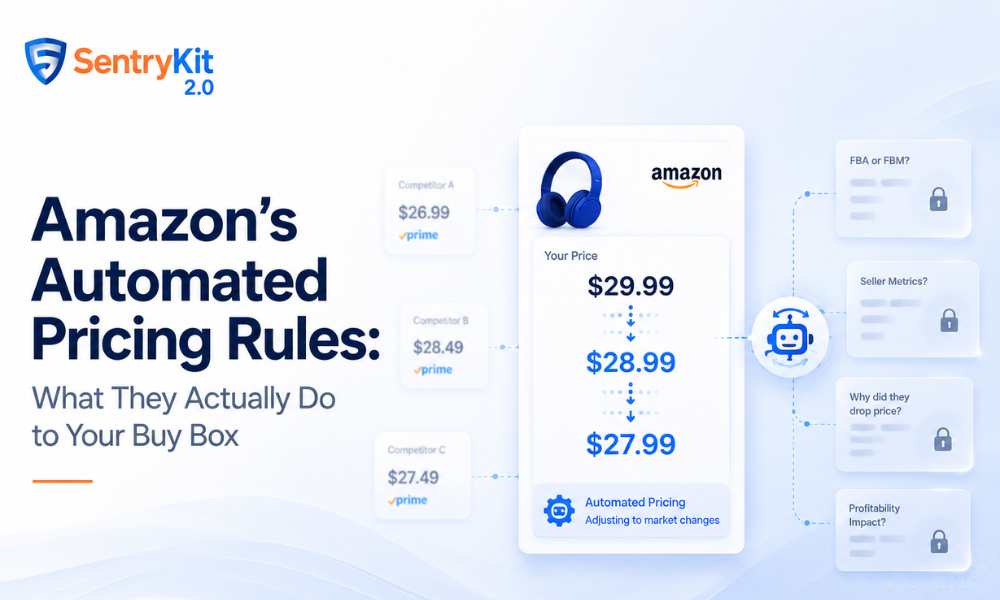
Amazon built a free repricing tool into Seller Central. Most sellers who use it pick one of two rule types, set a min price, and move on. The other two rule types exist — and a lot of sellers don’t know what they actually do to their Buy Box position.
Here’s the breakdown.
Automate Pricing is Amazon’s native rule-based repricing tool. You create a rule, set price boundaries, and Amazon adjusts your price automatically when market conditions change.
It’s free. It integrates directly with your listings. And it’s a black box — it moves your price without showing you what triggered the change or what it’s reacting to.
That’s the core tension. You can use it to stay competitive without manually adjusting prices every hour. But you’re giving up visibility into why your price is where it is — and that visibility gap is where sellers get hurt.
There are four rule types in Automate Pricing. They do meaningfully different things.
This is the one most sellers know. It tries to keep your price at or below the Featured Offer — the item currently in the Buy Box — across Amazon and, in some configurations, external retailers like Walmart and Target.
The risk: if two sellers on the same ASIN both run Competitive Price Match, prices spiral down until someone hits their floor. Your min price is the only guardrail. Set it wrong and you’ll sell at a loss before you notice.
This rule adjusts your price to improve your Best Seller Rank in the category. It’s rarely used and almost always the wrong call.
Sales Rank Price optimizes for rank, not margin. If improving your rank requires pricing below profitability, that’s what it does. Rank doesn’t pay your FBA fees.
This rule targets the specific seller currently holding the Buy Box — not just the lowest price on the listing or the general Featured Offer.
For competitive ASINs with multiple sellers rotating through, this is more precise than Competitive Price Match. But it still can’t tell whether that Buy Box holder is FBA or FBM, or whether their seller metrics are strong enough to hold the position long-term.
This rule matches the lowest price on your listing, full stop. It’s the most aggressive, the most margin-destructive, and the one most likely to end in a race to the bottom.
The lowest price on your listing is often set by a seller in a completely different cost position — a liquidator, a multi-channel seller moving excess inventory, or someone who miscalculated their landed cost. Matching them blindly isn’t a strategy. I’ve seen wholesale sellers with 400-SKU catalogs use this rule and wonder why their margins collapsed by end of quarter.
Automate Pricing reacts to price. That’s it. It doesn’t know:
The factors the Buy Box algorithm weighs go well beyond price. Automate Pricing optimizes one signal while the others move independently.
Amazon’s Business Solutions Agreement — the BSA — governs how sellers can use automated pricing. Updates post-2025 tightened the rules around automated pricing agents and what constitutes permissible rule behavior.
The key constraint: your pricing rules cannot be designed to coordinate pricing with other sellers or function as a price-signaling mechanism. This sounds abstract until a repricer does something unexpected at scale.
It’s part of why repricers going rogue became such a significant issue for sellers using third-party tools. When a repricer like BQool makes automated decisions across hundreds of ASINs, sellers often didn’t know whether those decisions crossed BSA lines until Amazon acted.
With Automate Pricing specifically, you’re using Amazon’s own tool — so the rule structure itself is compliant. But the behavior can still surprise you, and surprises in automated pricing are expensive.
Per Amazon Seller Central’s documentation on Automate Pricing, sellers remain responsible for ensuring their pricing rules stay consistent with marketplace agreements.
If you’re going to use Automate Pricing, here’s how to do it without losing visibility:
Set a realistic min price. This is your floor — the price below which you cannot profitably sell. Build in your landed cost, FBA fees, referral fees, and a margin buffer. If you’re not certain of your floor, you’re not ready to automate.
Use Buy Box Price over Lowest Price. For most competitive scenarios, Buy Box Price is the more surgical rule. You’re responding to the actual holder of the Buy Box, not the lowest-priced seller on the listing who may not be a real competitive threat.
Set a price floor framework before automating. Automation compounds whatever margin discipline you started with. If your floors are wrong, the tool makes the problem worse faster.
Layer in competitor monitoring. That’s the gap Automate Pricing doesn’t close. When a competitor cuts their price, you get an automated response — but no signal. SentryKit’s Competitor Price Change alert fires within 90 seconds of a change, with context: who changed, their new price, whether they’re FBA, and whether they hold the Buy Box. That’s the intelligence layer the tool is missing.
Monitor what Automate Pricing is actually doing. Check your competitor price monitoring data against your own price history. If your price is consistently at your min — or you’re winning the Buy Box less often than you’d expect — something in the rule is off. SentryKit starts at $19/month. See SentryKit’s pricing to compare plans.
Yes. Automate Pricing is built into Seller Central and available to all sellers at no additional cost. Third-party repricers charge monthly fees ranging from $50 to several hundred dollars depending on catalog size.
Competitive Price Match targets the Featured Offer (the current Buy Box item) broadly — sometimes including external retailers. Buy Box Price targets specifically the seller currently holding the Buy Box on your ASIN. For multi-seller ASINs, Buy Box Price is more precise and less prone to matching irrelevant external prices.
Yes. If two or more sellers on the same ASIN both use Competitive Price Match, their repricers will continuously try to undercut each other. Prices spiral down until someone hits their minimum. Setting a firm, well-calculated min price is the only protection.
Yes, FBM sellers can use Automate Pricing. But the tool doesn’t factor in the Buy Box weighting difference between FBA and FBM. Amazon typically favors FBA sellers in the Buy Box algorithm, so an FBM seller may need to price lower than an FBA competitor to win — Automate Pricing won’t automatically account for this.
The BSA (Business Solutions Agreement) is Amazon’s master seller agreement. It sets the rules for how you operate on the platform, including pricing. Post-2025 updates clarified that automated pricing tools cannot coordinate pricing with other sellers or function as a signaling mechanism. Using Amazon’s own Automate Pricing tool keeps you compliant at the rule level — but you’re still responsible for the outcomes your rules produce.

Raghav Tiwari · Founder, SentryKit
Raghav is the founder of SentryKit. He writes about Amazon Buy Box dynamics, marketplace intelligence, and the operational reality of running a private label or wholesale business at scale.