
If you’re evaluating a move away from Bindwise — whether that’s about features, reliability, or just wanting something built specifically for real-time alerting — here’s exactly what switching to SentryKit looks like, and how fast you can be up and running.
This guide walks through what to prepare, the exact steps to follow, and how long each one takes, plus a checklist of things worth double-checking on any monitoring tool you’re evaluating.
Expected timeline: Connection and first alert, usually under an hour. Full confidence in coverage — seeing a real Buy Box or hijacker event fire correctly — typically within your first week.
The checklist below covers what’s worth double-checking on any monitoring tool you switch to, based on the specific gaps that come up when sellers actually make this move.
Every monitoring tool authorizes against your Amazon seller account, and that authorization can lapse — quietly, without warning, sometimes for reasons that have nothing to do with anything you did. This isn’t a quirk of any one vendor: Amazon’s own documentation on renewing an app’s authorization confirms every third-party integration has to periodically reauthorize, and a missed renewal breaks the connection silently. The tools worth using show you connection status clearly, so a lapse turns into a five-minute fix instead of two silent weeks where you assume everything’s fine because nothing arrived to tell you otherwise.
This is the one that catches people off guard. A lot of monitors will tell you that your title changed, or that an attribute was updated — full stop. That’s not enough to act on. If Amazon quietly changes a backend attribute like fragrance name, size, or pattern, you need to see the old value and the new value side by side, in the notification itself, not three clicks deep in a dashboard.
Ask directly: does the alert show the old value crossed out and the new value highlighted, for every field that changed — including attributes you don’t manage yourself? If the honest answer is “check the dashboard for the details,” that’s an extra step you’ll skip half the time, and the half you skip is exactly where an unauthorized change slips through unnoticed.
Plenty of tools default to hourly or daily digests even when the account setting says real-time. The only way to know for sure is to test it yourself: make a small change and time how long the alert takes to land. If you’re managing 100+ ASINs across a marketplace, the gap between real-time and “batched every few hours” is the difference between catching a hijacker in minutes and finding out the next morning, after they’ve already won the Buy Box for half a day.
If you sell variations under a Parent listing, confirm the monitor tracks every child ASIN, not just the ones it happens to catch. This matters more than it sounds like it should. A monitor that misses one ASIN out of a Parent with 100+ children isn’t a minor gap — it’s a blind spot in exactly the place you assumed you were covered.
A quick way to test it: restructure or delete a small Parent listing and count how many child ASINs actually show up in the resulting notifications. It should match exactly. If it doesn’t, that’s worth knowing before you’re relying on it at scale, not after.
Parent/child structures are complex enough that other tools have built entire dedicated views just to track them accurately — Helium 10’s Parent-Child ASIN view in its Insights Dashboard is one example. That complexity is exactly why a monitoring tool’s coverage here deserves real scrutiny, not an assumption.
If you work with a VA or a broader team, check whether alerts can route to more than one recipient — and specifically whether you can route by category, not just by recipient. Bindwise supported forwarding alerts by category to different team members (pricing alerts to one person, listing-content alerts to another, for example), so that’s the real bar to check against, not just basic multi-recipient support. Losing this after a switch means someone has to manually forward and sort every alert themselves — which quietly defeats the point of real-time monitoring in the first place.
If you’re not selling exclusively in English-language marketplaces, ask directly whether notifications can be localized. Auto-translation tools frequently mangle Amazon-specific terms into nonsense, and if you’re managing multiple EU marketplaces, an English-only alert is one more translation step standing between you and actually acting on it.
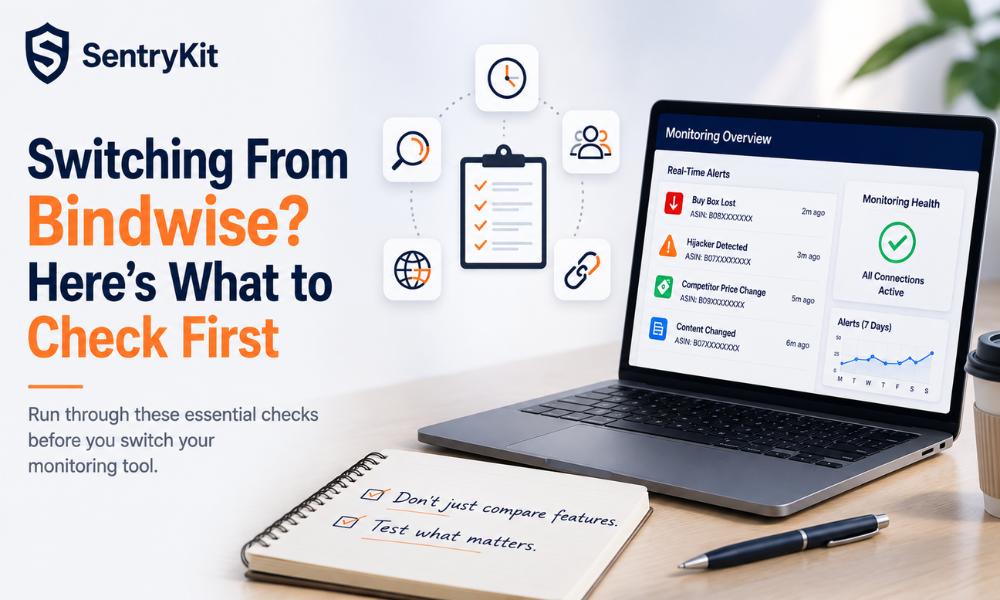
SentryKit is a Buy Box intelligence platform built around real-time alerts on your own listings: Buy Box Lost, Hijacker Detected, Competitor Price Change, and Content Changed all fire in real time, scoped to your own ASINs.
At SentryKit we first understand your requirement and then our team hand-holds you through onboarding — connecting your account, setting up delivery, and making sure your first alerts are firing correctly — so switching doesn’t mean figuring it out solo.
See SentryKit’s plans, or if you want the fuller head-to-head, here’s the full Bindwise comparison, and this comparison for the dedicated-monitor roundup.
Connect your Seller Central account to SentryKit (same OAuth flow Bindwise uses), confirm your catalog is being monitored automatically, set your alert delivery, and run both tools in parallel until you’ve confirmed coverage. Most sellers are fully migrated within a week, and our team hand-holds you through onboarding the whole way.
First alert typically lands within an hour of connecting. Most sellers run both tools for a few days to a week before cancelling Bindwise, just to confirm coverage.
No ASIN-by-ASIN rebuild — SentryKit monitors your full connected catalog automatically. You’ll set delivery preferences (email/Slack) and floor prices if you use those, and our team walks you through it during onboarding.
Yes — 30 days, no card required, full feature access.
Yes, if you run both tools in parallel for a few days during the switch — start SentryKit before cancelling Bindwise, not after.
Run a real change through the new tool before fully committing — a small attribute edit, a Parent restructure, a price change — and confirm the alert actually captures it correctly and quickly. Feature lists on a pricing page don’t tell you this; a live test does.
It usually comes down to how the tool ingests Parent/child relationships — some sync per-ASIN rather than treating the full Parent structure as one unit, which can drop coverage on child ASINs added or restructured after initial setup. Testing this directly with a small Parent change is the fastest way to confirm full coverage before relying on it at scale.
Depends on the tool and plan tier — and specifically whether it’s just multi-recipient or true category-based routing. Bindwise let sellers forward alerts by category to different team members, which is a more specific bar than basic multi-recipient support. Confirm which one you’re actually getting before switching; losing category-based routing means someone has to manually forward and sort every alert themselves.
Every tool’s connection can lapse for reasons unrelated to anything you did. Without a visible connection-health indicator, that lapse can go unnoticed for days or weeks — the alerts simply stop arriving, and there’s nothing telling you why. Confirm this is visible before you rely on the tool long-term.

Nisha Shetty · Marketing Manager, SentryKit
Nisha is a marketing manager and former Amazon seller who writes about e-commerce growth, consumer behavior, and digital retail trends.