
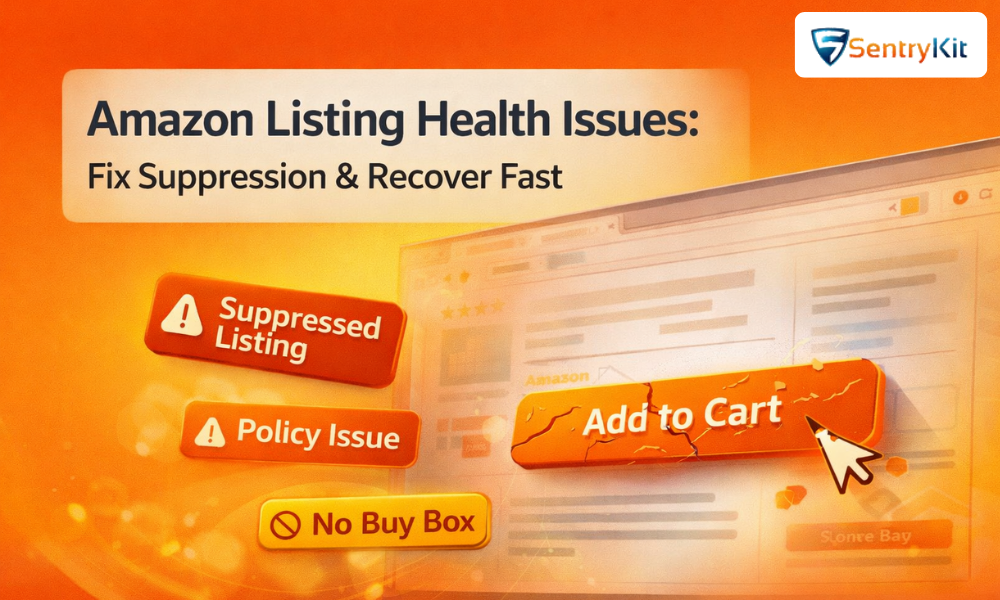
Even a well-optimized Amazon product can fail if your listing health is compromised. From suppressed listings to missing Add-to-Cart buttons, small issues can drastically reduce visibility, traffic, and conversions—often without clear warning.
The challenge is that many listing health problems go unnoticed until performance drops significantly. By the time sellers realize something is wrong, rankings may already be affected and sales lost.
In this guide, we break down the most common Amazon listing health issues, including suspended listings, search suppression, and missing Add-to-Cart buttons—and how to detect, fix, and prevent them using real-time alerts.
Listing health refers to how well your product listing meets Amazon’s requirements for:
Visibility in search results
Eligibility for purchase (Buy Box / Add-to-Cart)
Compliance with Amazon policies
When listing health declines:
Your product may stop appearing in search
Your traffic may drop significantly
Your conversion rate may decrease
In severe cases, listings can be completely suspended, making them unavailable for purchase.
Monitoring listing health requires tracking multiple types of issues simultaneously.
A suspended listing is one that Amazon has removed due to policy violations or compliance issues.
Policy violations
Intellectual property complaints
Restricted product categories
Inaccurate product information
Listing becomes inactive
Sales drop to zero
Account health may be affected
Sellers often rely on Suspended Listings Alerts to get notified immediately when a listing is taken down.
Search suppression occurs when your product is still live but does not appear in Amazon search results.
Missing key attributes (title, description, images)
Backend keyword issues
Category mismatches
Reduced visibility
Traffic drops
Sales decline
Using Search Suppression Alerts helps sellers detect when listings stop appearing in search results.
One of the most damaging listing issues is when the Add-to-Cart button disappears.
Pricing issues
Competition from other sellers
Listing quality problems
Customers cannot easily purchase
Conversion rate drops significantly
Even optimized listings can disappear due to suppression or indexing issues.
A decline in impressions often signals a listing health issue rather than demand.
If traffic remains stable but sales drop, it may indicate a missing Buy Box or Add-to-Cart issue.
Violations can escalate quickly from warnings to full suspension.
Manual monitoring is unreliable because:
Issues can occur at any time
Notifications are not always immediate
Multiple listings are hard to track
Sudden drop in impressions
Loss of Buy Box or Add-to-Cart
Listing status changes
New compliance warnings
Real-time monitoring allows sellers to detect these issues instantly and take corrective action.
Carefully review Amazon’s notifications and fix the issue before requesting reinstatement.
Ensure all required fields are complete:
Title
Bullet points
Images
Description
Ensure proper categorization and keyword indexing.
Adjust pricing strategies to regain Buy Box eligibility.
Fixing issues once is not enough—continuous monitoring is essential.
Follow Amazon’s listing guidelines
Keep product information accurate
Monitor performance regularly
Track changes in real time
Listing health issues can happen without warning.
Real-time alerts help you:
Detect suppression instantly
Get notified of suspensions
Monitor Add-to-Cart availability
Respond before sales are impacted
Instead of reacting after damage is done, sellers can stay proactive.
Listing health is connected to other key areas:
Suppressed listings → Reduced sales → Overstock
Missing Buy Box → Lower conversions
Suspensions → Inventory stagnation
Amazon listing health is one of the most critical factors affecting visibility and conversions. Even small issues can lead to significant drops in performance if not addressed quickly.
By understanding the causes, monitoring listings proactively, and using real-time alerts, sellers can prevent issues before they escalate.
The key is not just fixing problems—but detecting them early enough to avoid impact altogether.
Listings are usually suppressed due to missing or incomplete information, such as images, descriptions, or required attributes.
Suspensions typically occur due to policy violations, intellectual property complaints, or restricted product issues.
This may be due to search suppression, indexing issues, or incorrect category placement.
This usually happens when the Buy Box is suppressed due to pricing, competition, or listing quality issues.
Ensure all required listing details are complete and compliant with Amazon guidelines.
Using real-time alerts allows sellers to detect listing issues instantly and take action before performance is affected.